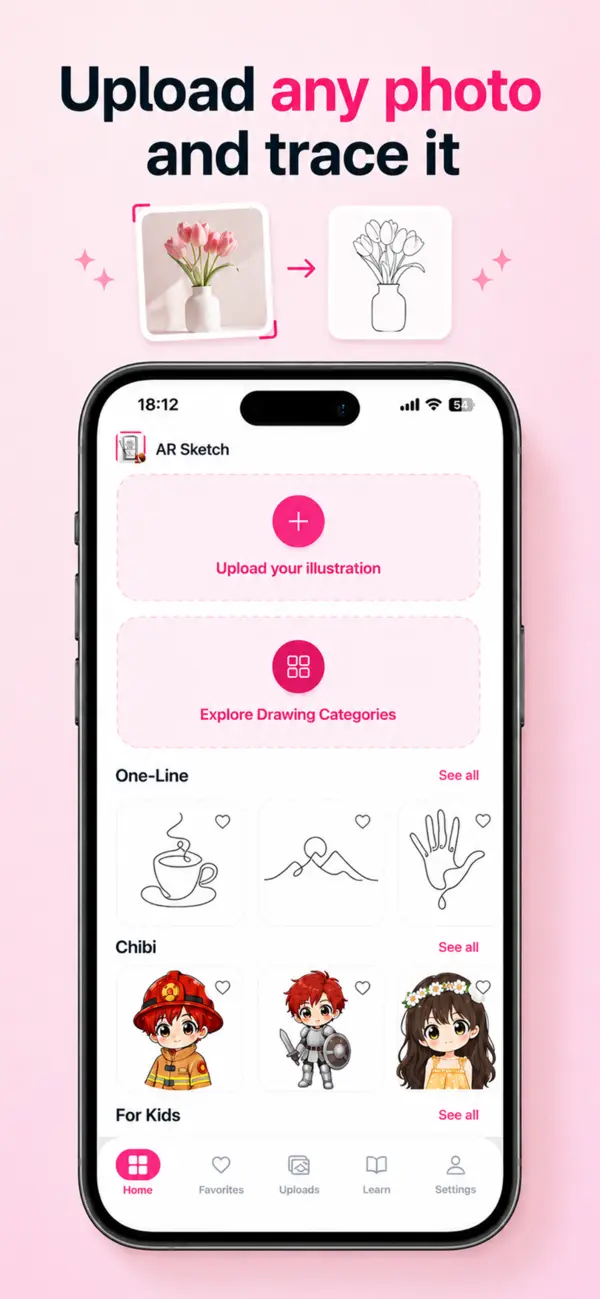
Draw from any photo
Turn a favorite photo or illustration into clear lines you can trace on real paper.
AR drawing for iPhone
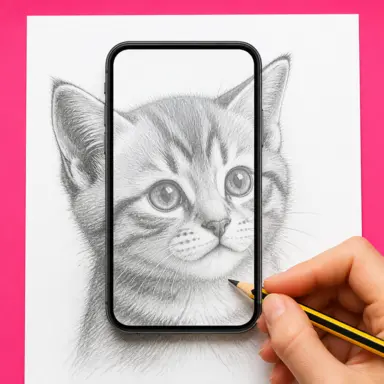
A little guidance. A drawing that’s yours. Choose a sketch or your own photo, then follow the lines through your iPhone camera onto real paper.
Made for beginners
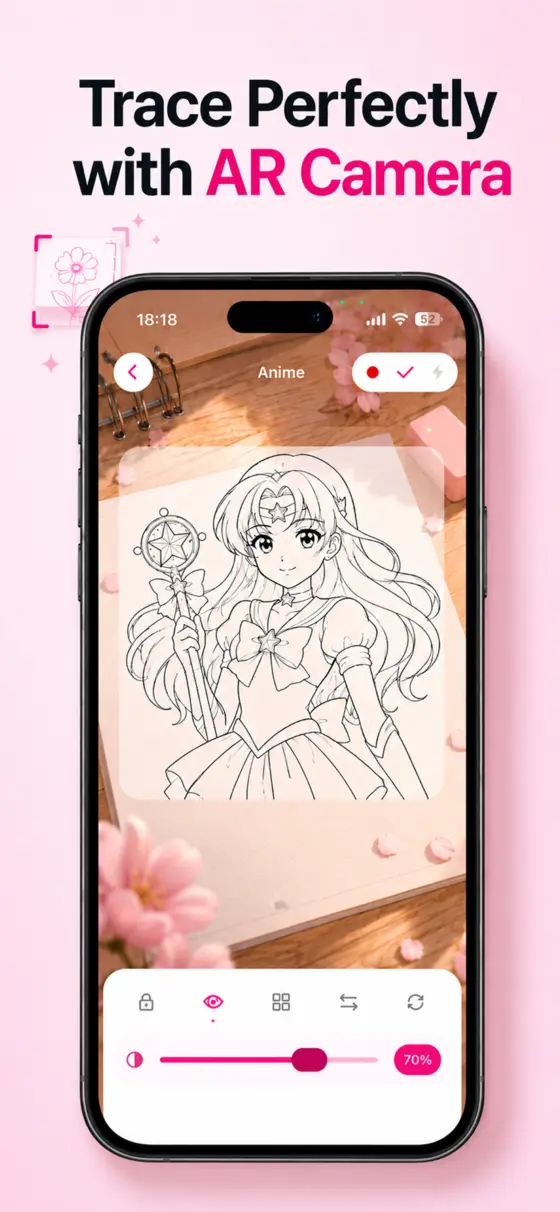
Pick a drawing, import a photo, or follow a lesson. AR Sketch keeps the guide visible while your pencil stays on the page.
Turn a favorite photo or illustration into clear lines you can trace on real paper.
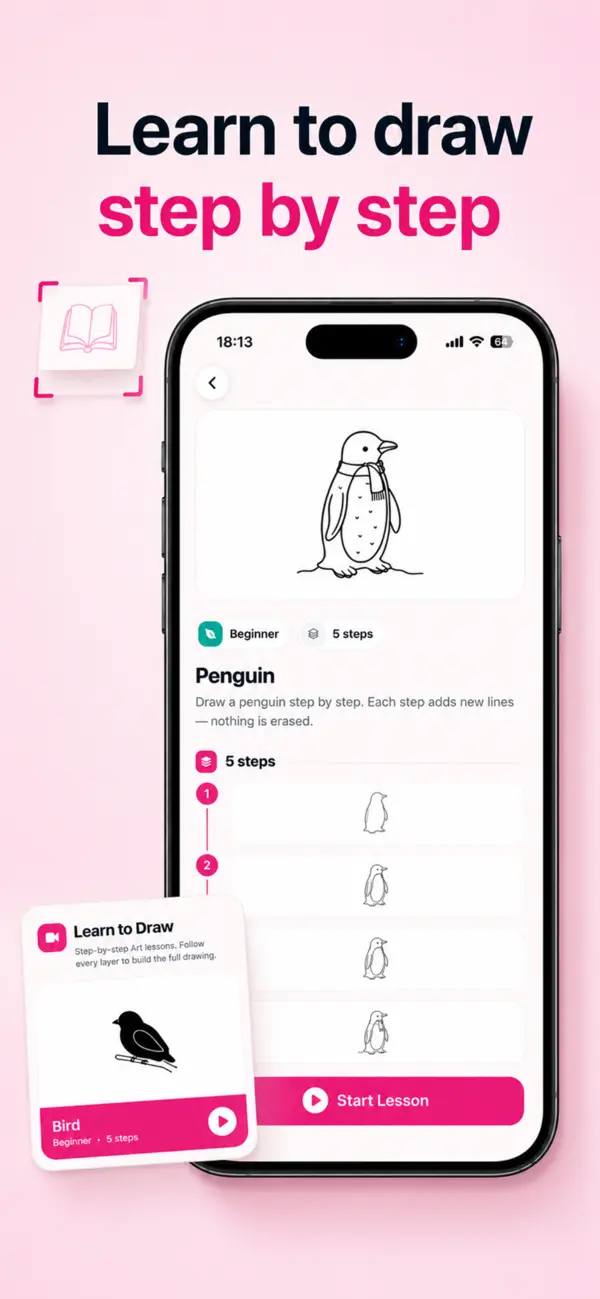
Build each drawing one stage at a time with simple guided lessons for beginners.
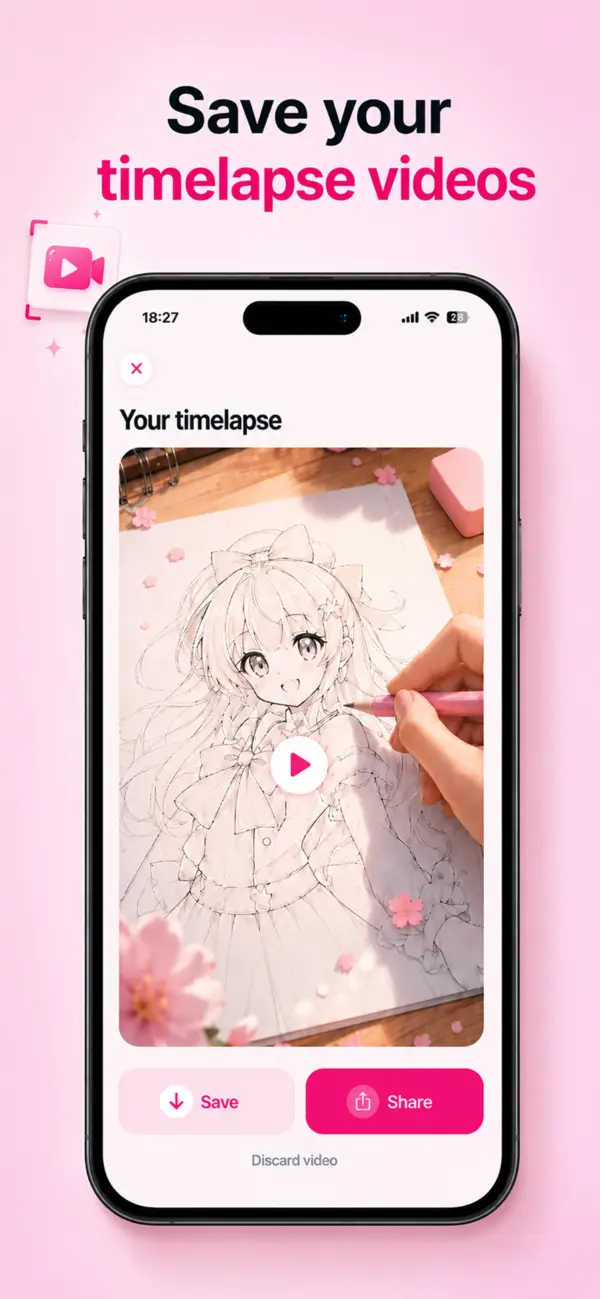
Capture your process and keep a timelapse video of your drawing coming together.
How it works
Bring your iPhone, paper, and a pencil. A stand or stable support keeps your camera steady while you draw.
Select a sketch from the library or import your own photo.
Place it above the paper using a stand or stable support.
Resize, rotate, adjust opacity, lock the guide, and follow the lines.
Questions
No. AR Sketch is designed for beginners and helps you practice proportions, outlines, shapes, and details directly on paper.
Yes. Import a photo or illustration, adjust it for clearer lines, and use your camera to trace it onto paper.
No account is required to start using AR Sketch.
Open AR Sketch on the App Store and start drawing on paper.